
Cognitive tokens for conversational AI
Author colour, type, timing, prompts, voice, and guardrails in one Figma plugin — named, typed, and reviewable.
Why CogWheel
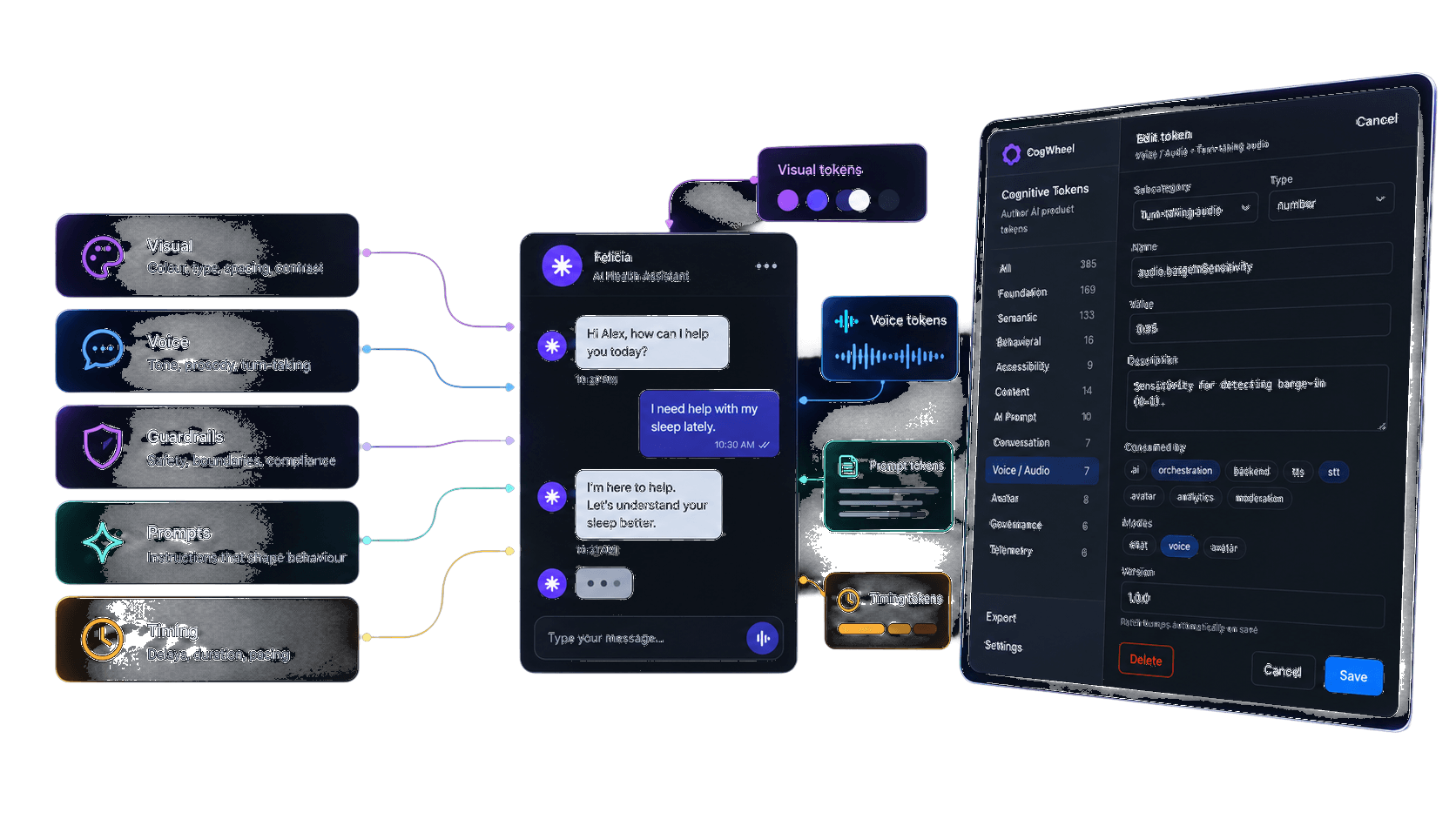
Design systems already own colour. Conversational AI needs more.
Latency, escalation, persona, barge-in, and confidence thresholds usually live in Notion docs or private prompt files. CogWheel treats all of them as tokens.
- One authoring surfaceEleven categories from Foundation to Telemetry, with typed forms and status workflow.
- Native where it helpsFoundation and Semantic sync to Figma Variables. Everything else stays as structured plugin data.
- Built for handoffSeed a full demo set, then export local JSON for engineering and ML.
Authoring
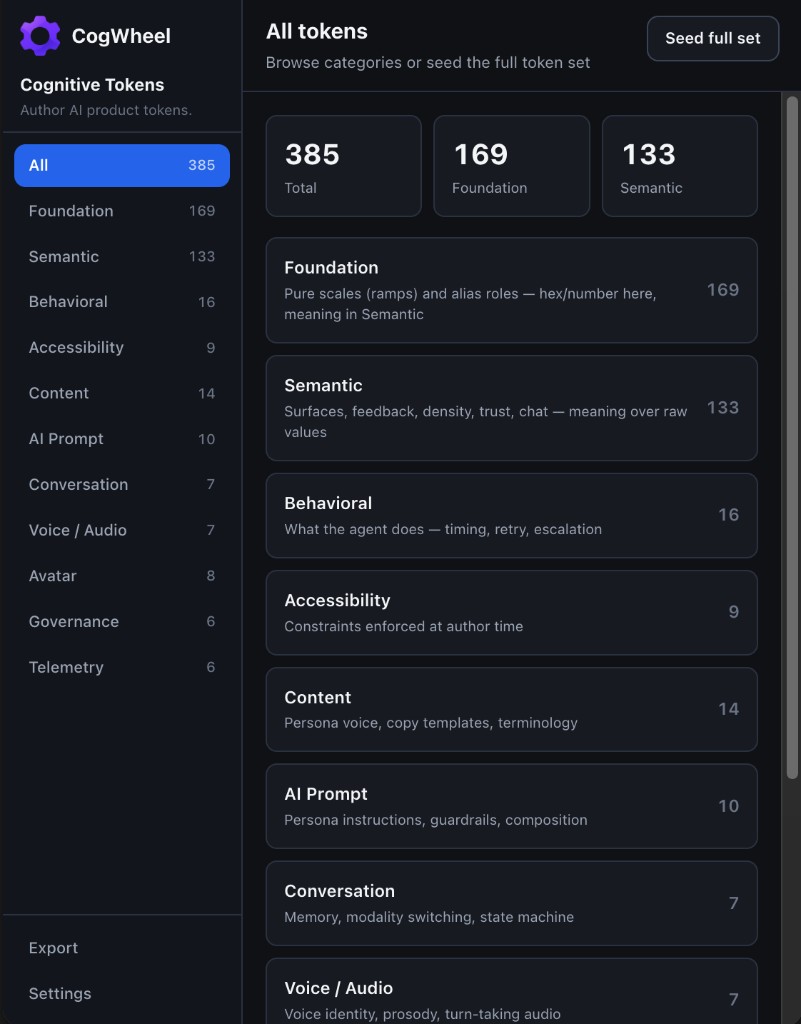
Edit every token like a product decision
Subcategory, type, name, value, description, consumers, modes, and version — the same schema whether you are tuning accent.500 or a PII guardrail.
- Consumed byTag UI, orchestration, TTS, STT, avatar, analytics, or moderation.
- ModesScope tokens to chat, voice, and avatar experiences.
- VersionedPatch bumps automatically on save so reviews stay auditable.
Categories
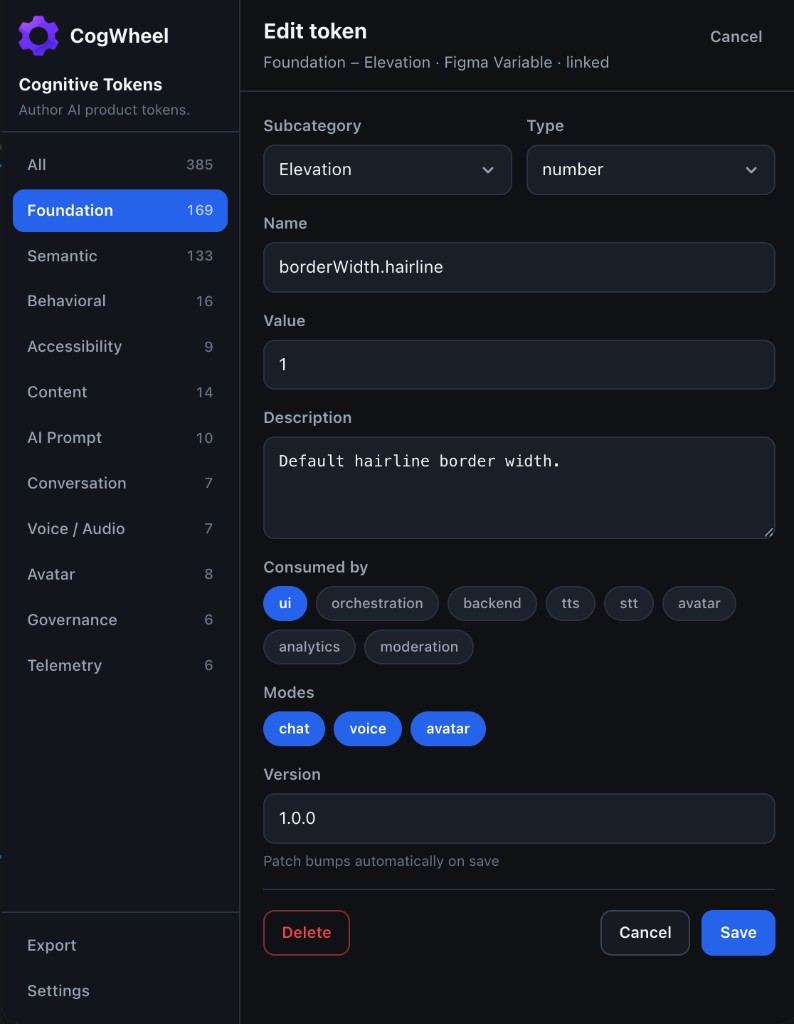
Eleven chapters of cognitive tokens
From pure visual ramps to governance and telemetry — browse the plugin screens, then dive into configuration details in the docs.
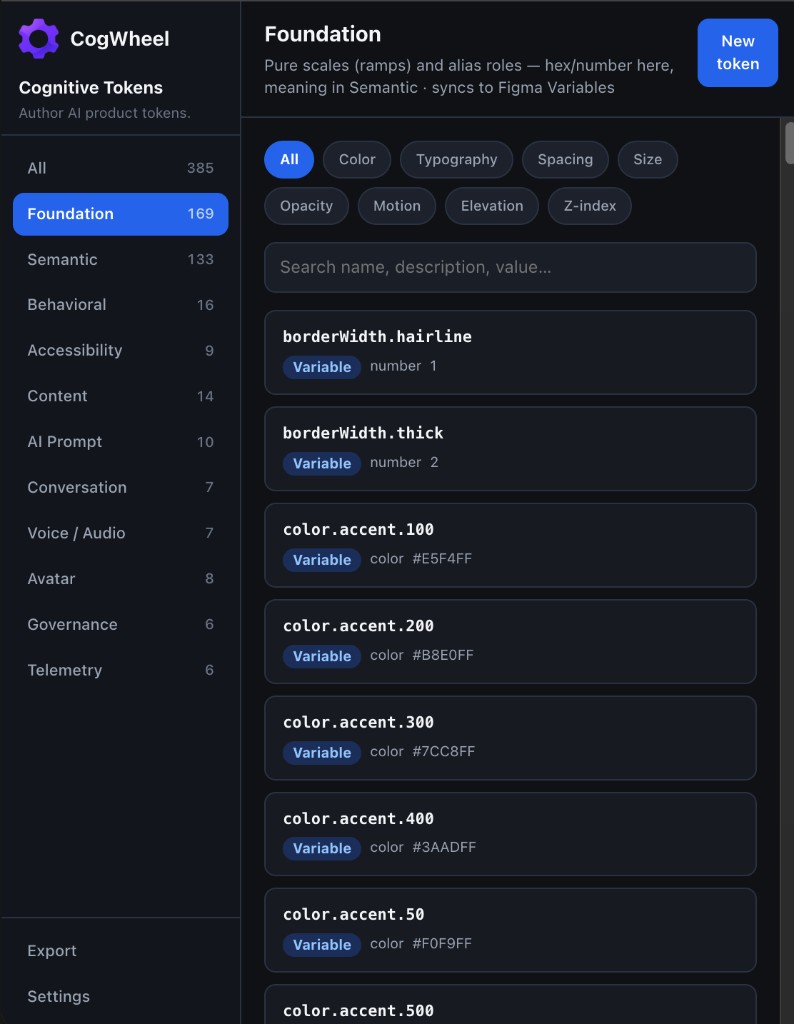
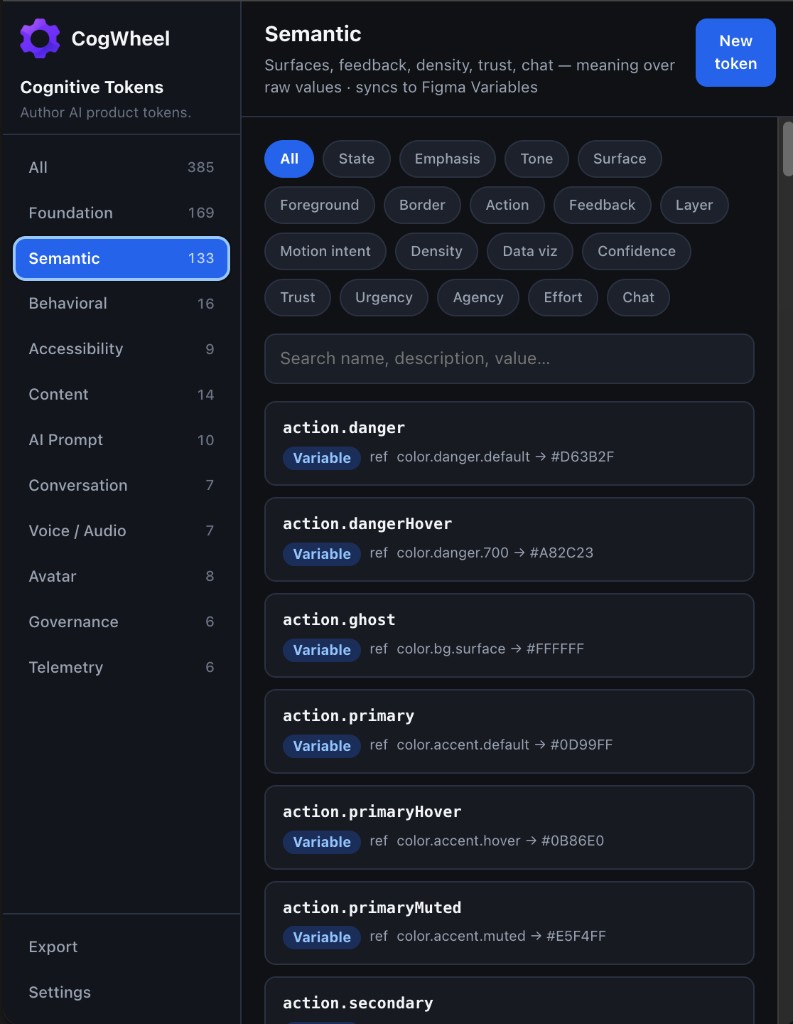
Export
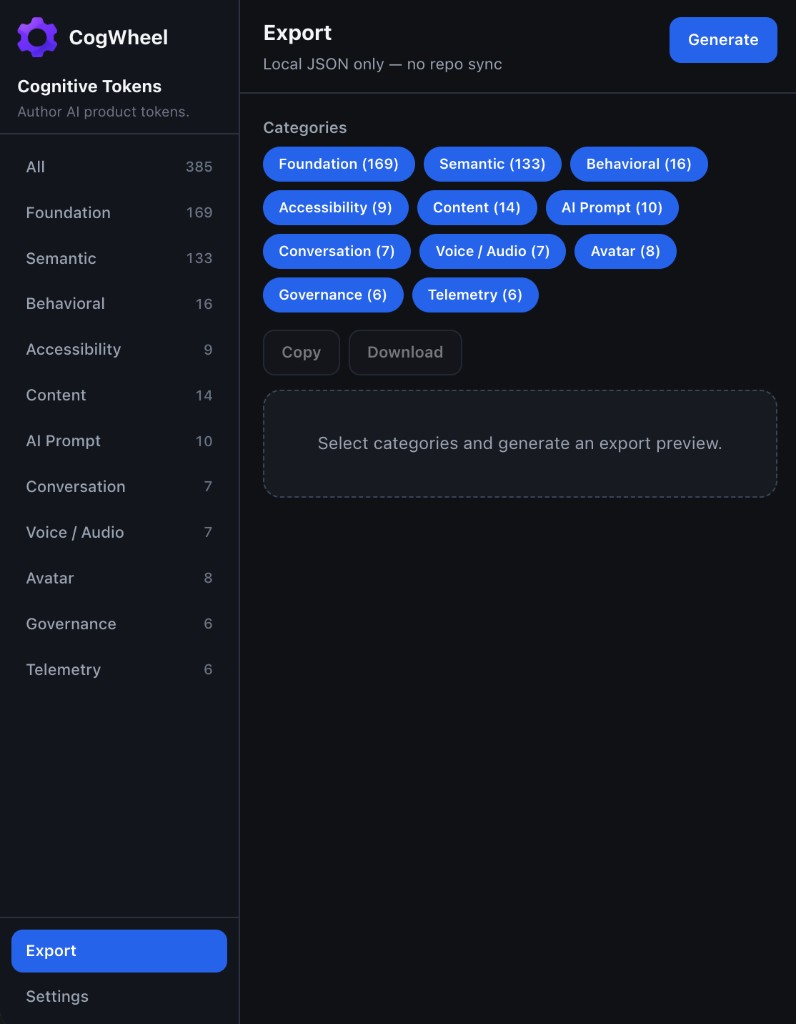
Ship tokens as JSON
Select categories, generate a preview, then copy or download. v0.1 is local-first — wire the package into your repo when you are ready.
Brand system
Tokens about tokens
CogWheel is the authoring layer for the decisions that make an AI product feel intentional — not just another variables panel.
Install CogWheel in Figma
Open the plugin from Figma Community, then seed the full token set and start authoring cognitive tokens.